
Before and after
Drag the slider across any picture. Each photo was shrunk to a small size, like a 400 by 500 frame from a low-resolution video, and brought back up 2x. Before is scaled the usual way, as a normal export draws it; After is what Enhance makes of the same small picture.
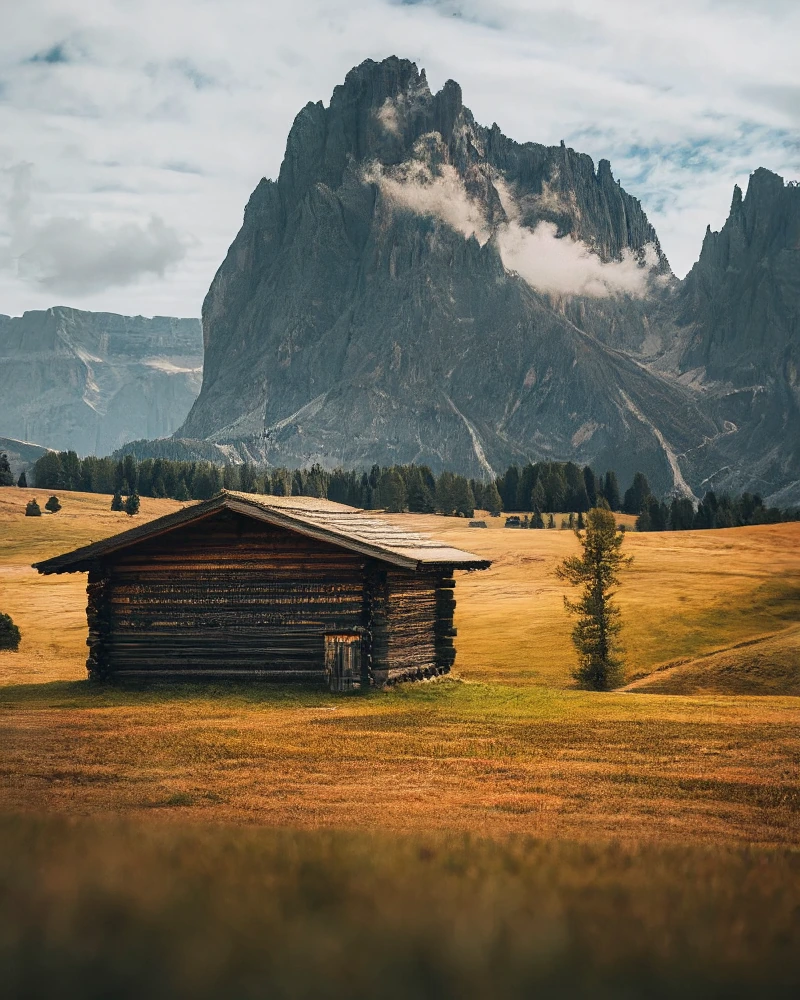
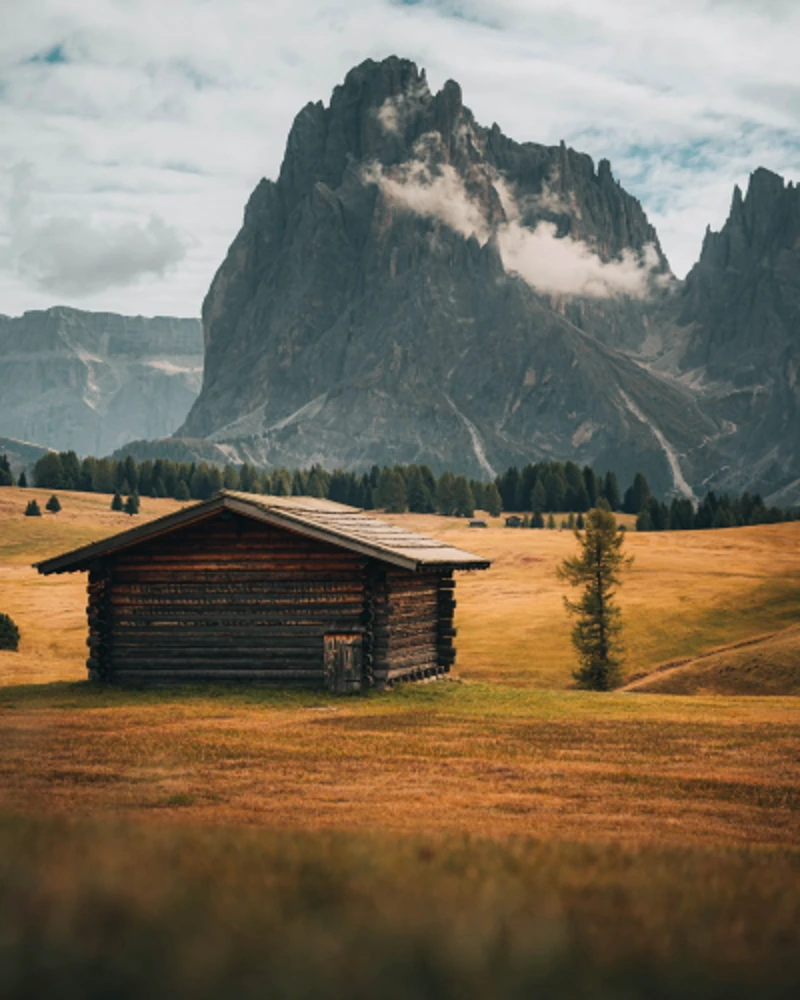
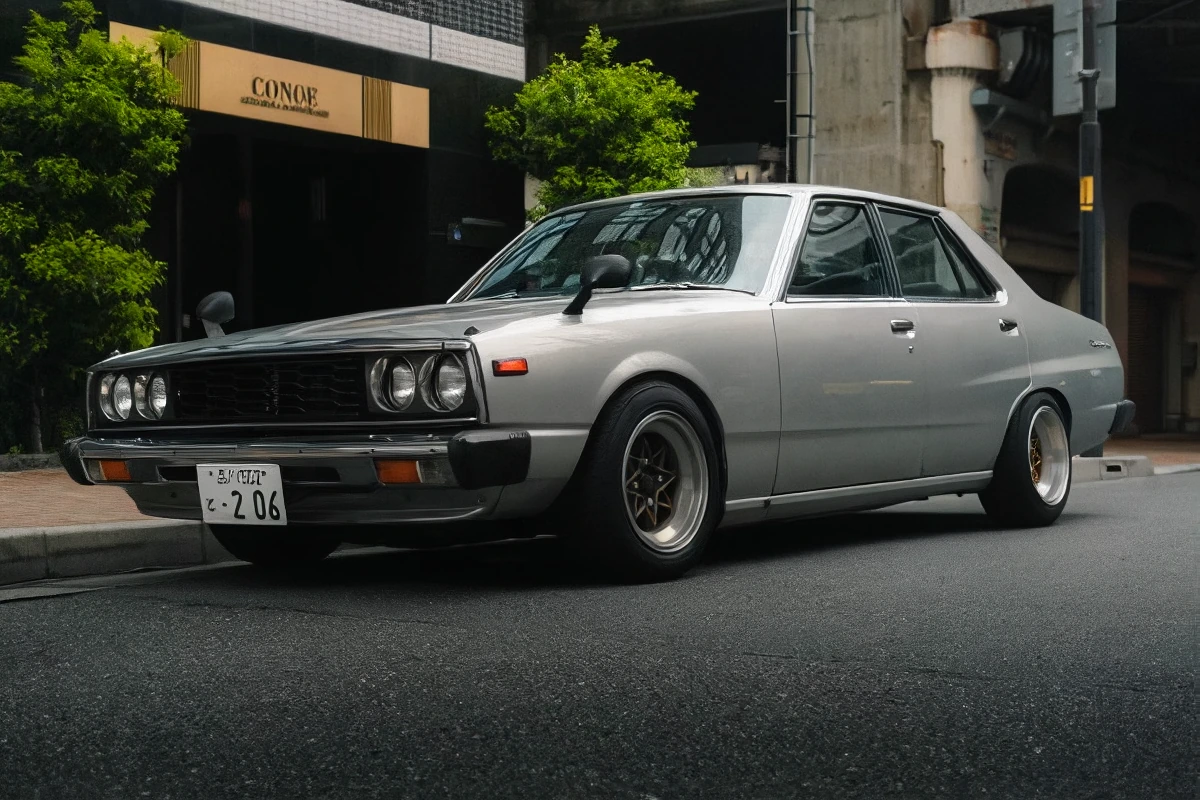
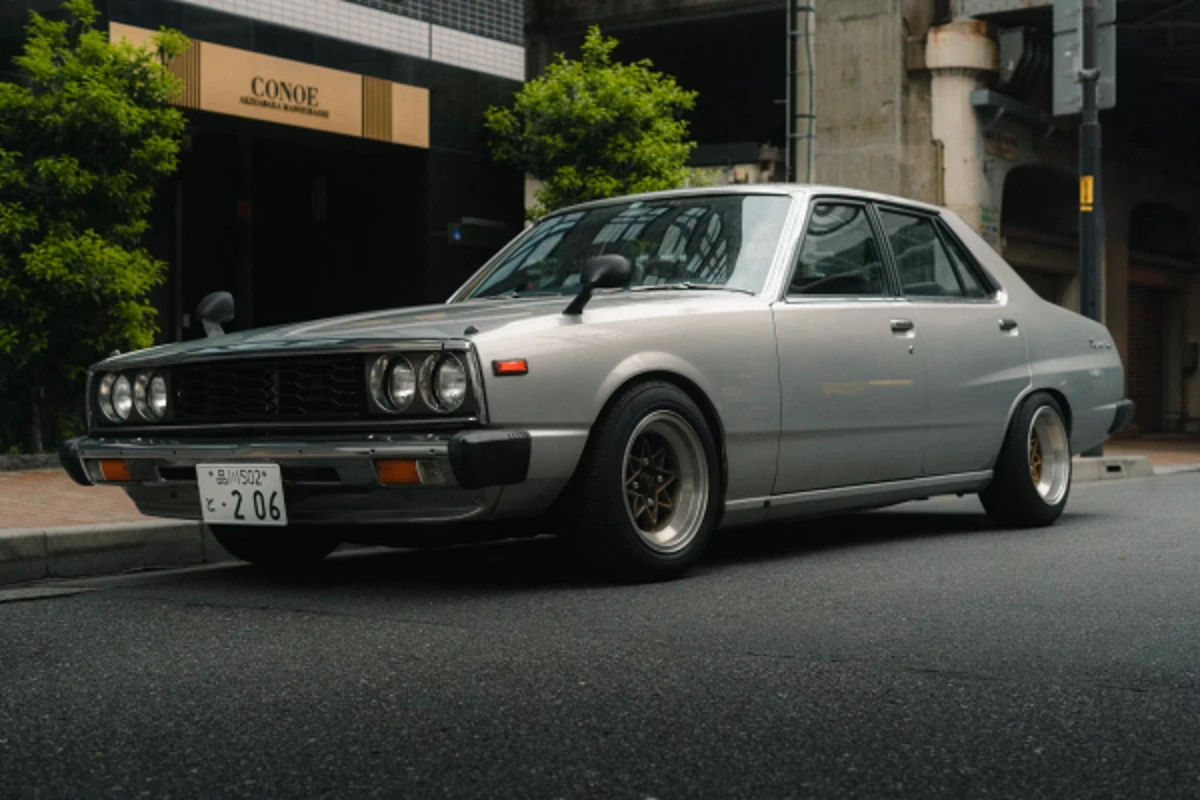


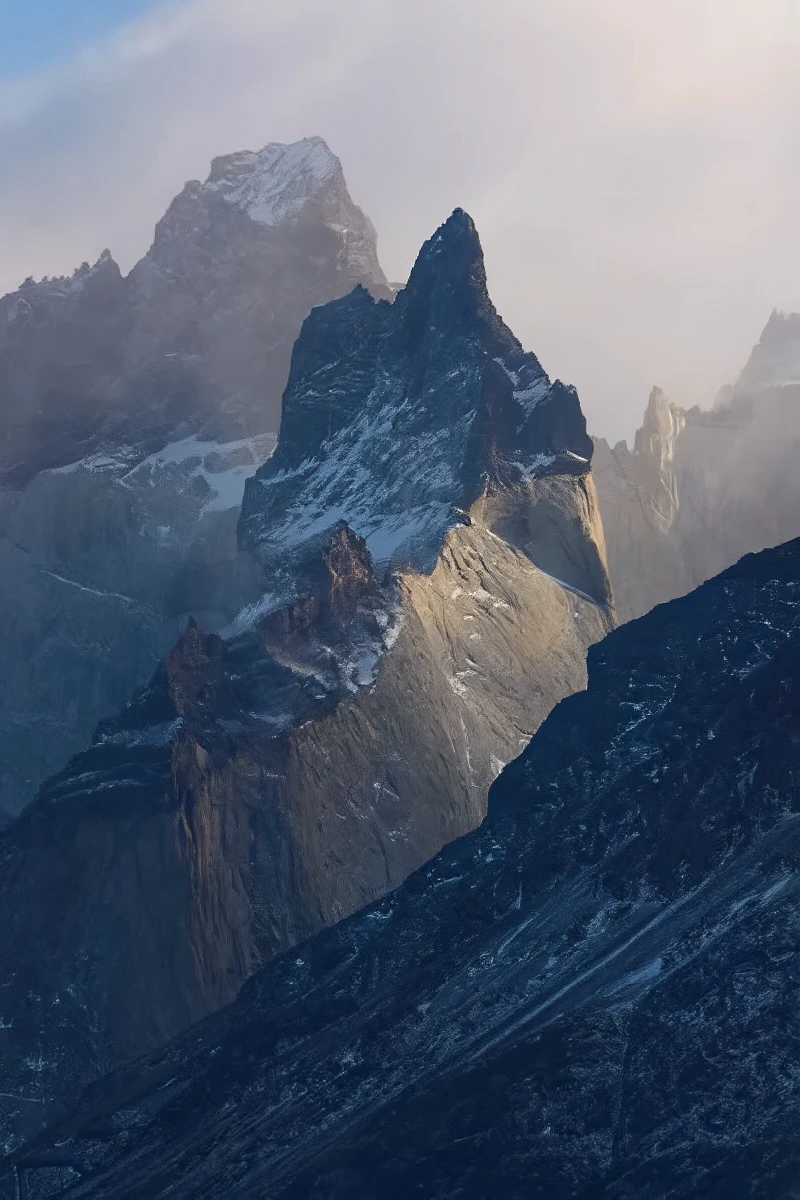
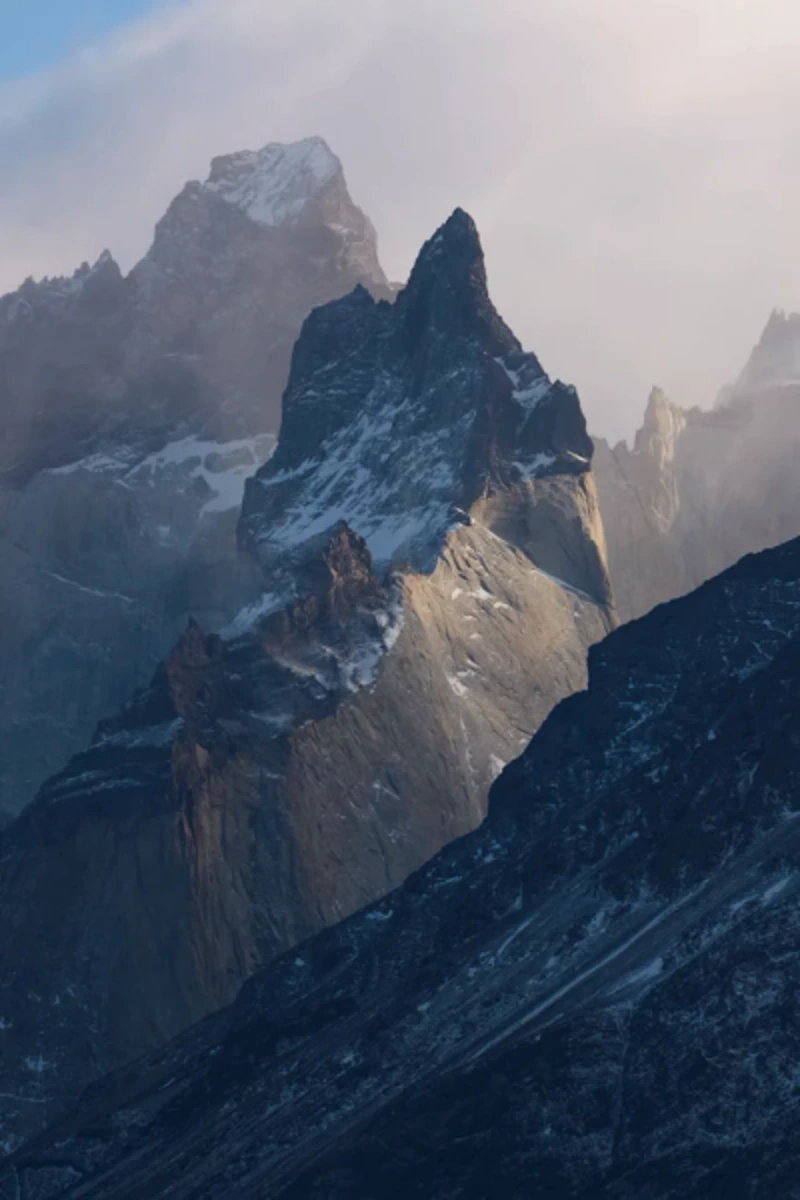
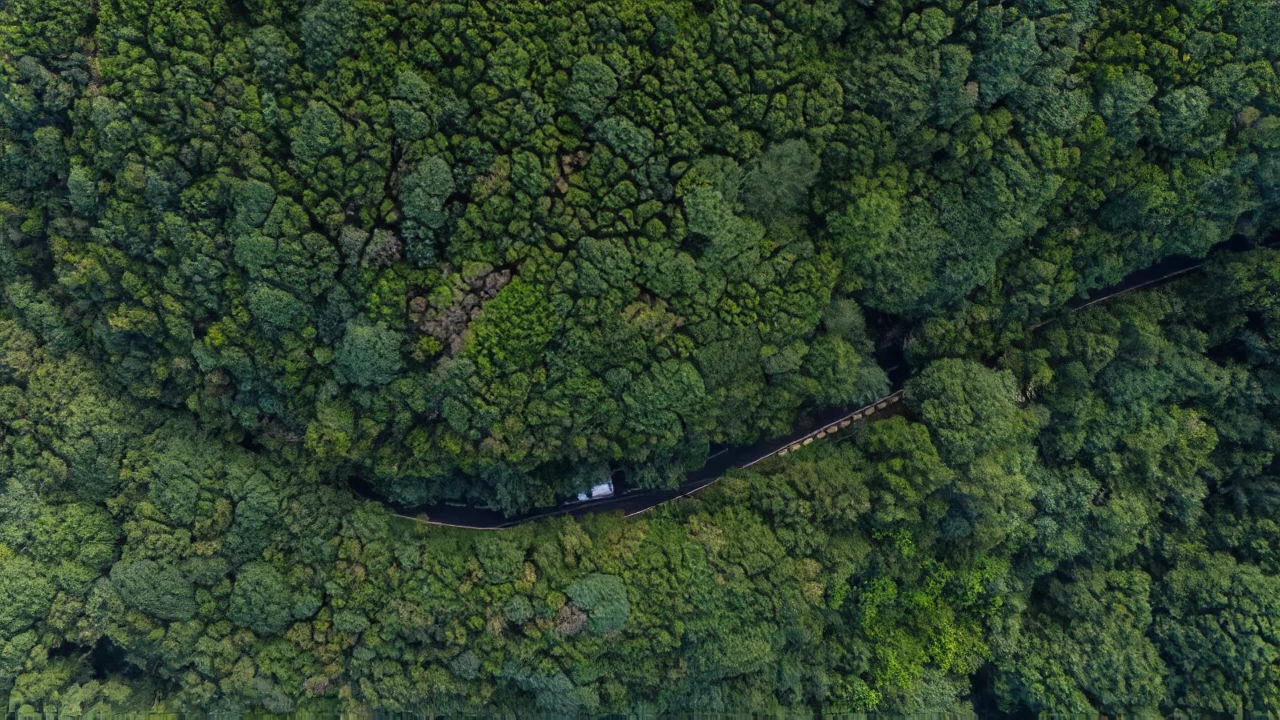
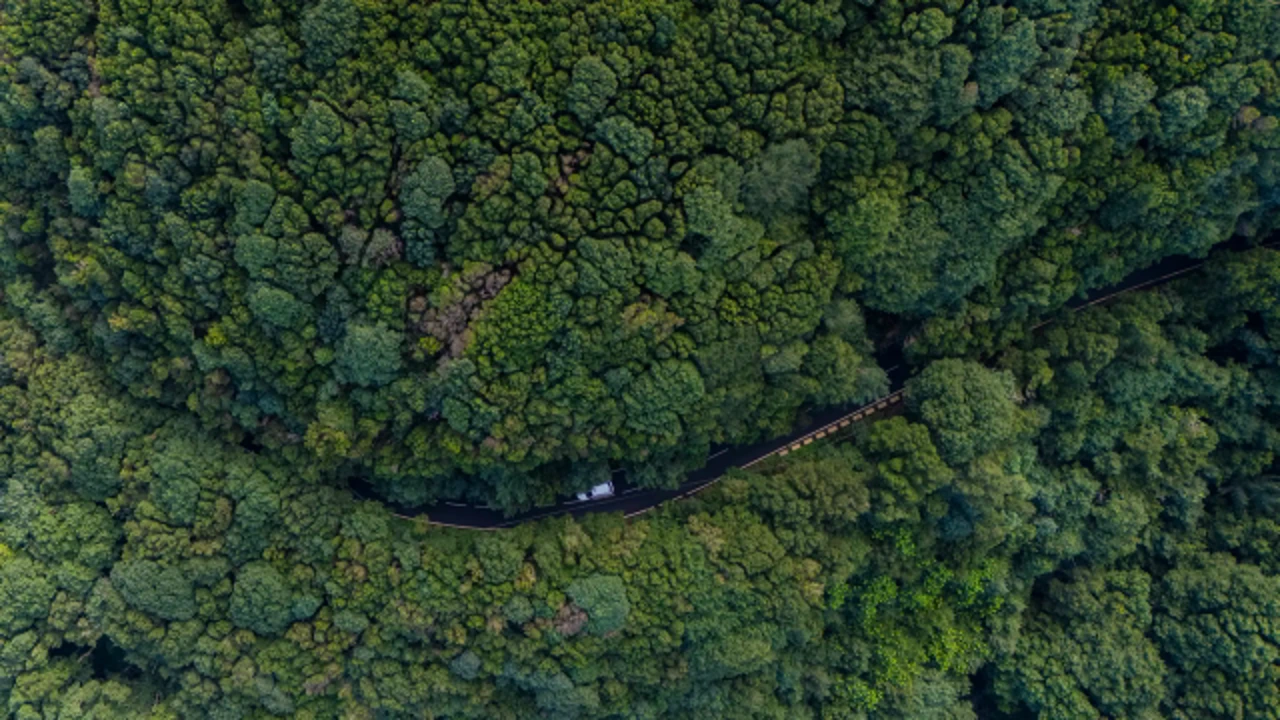
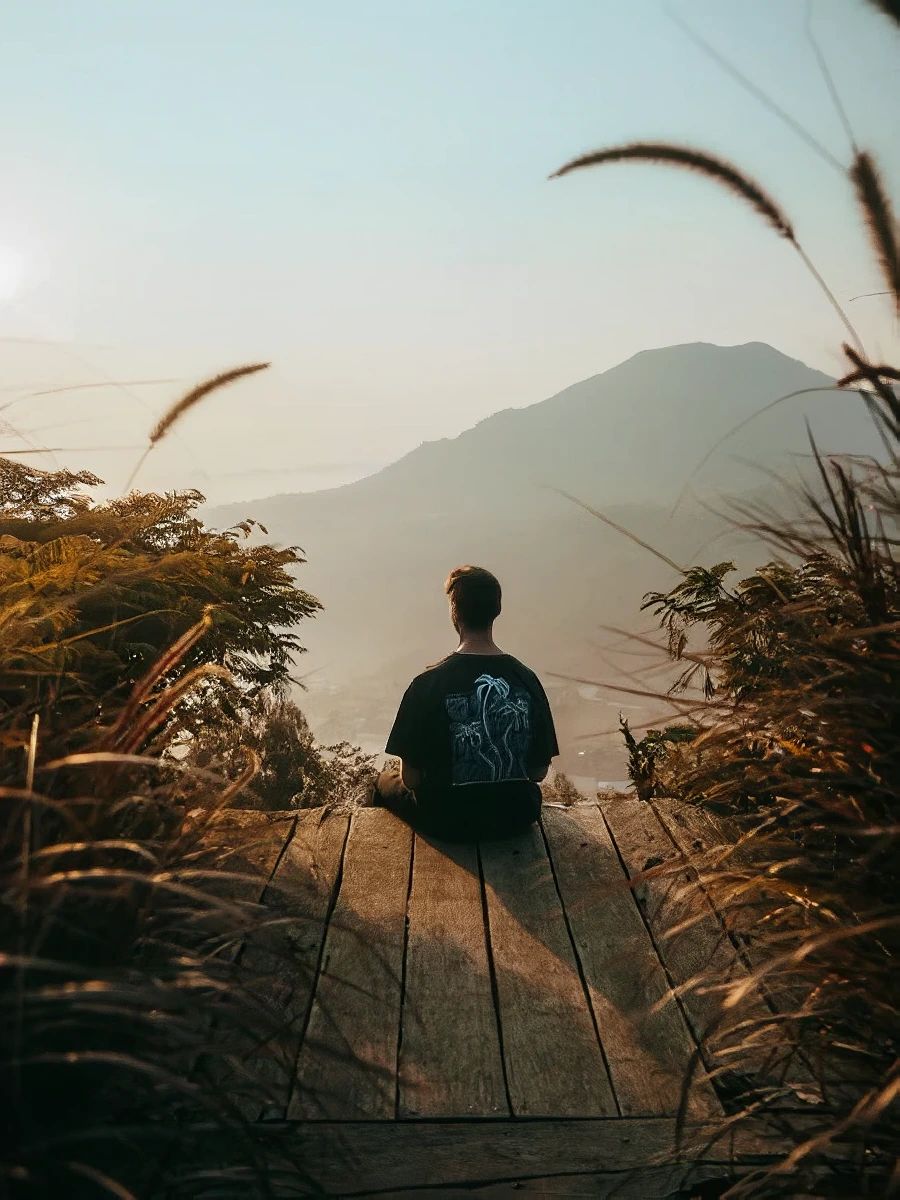
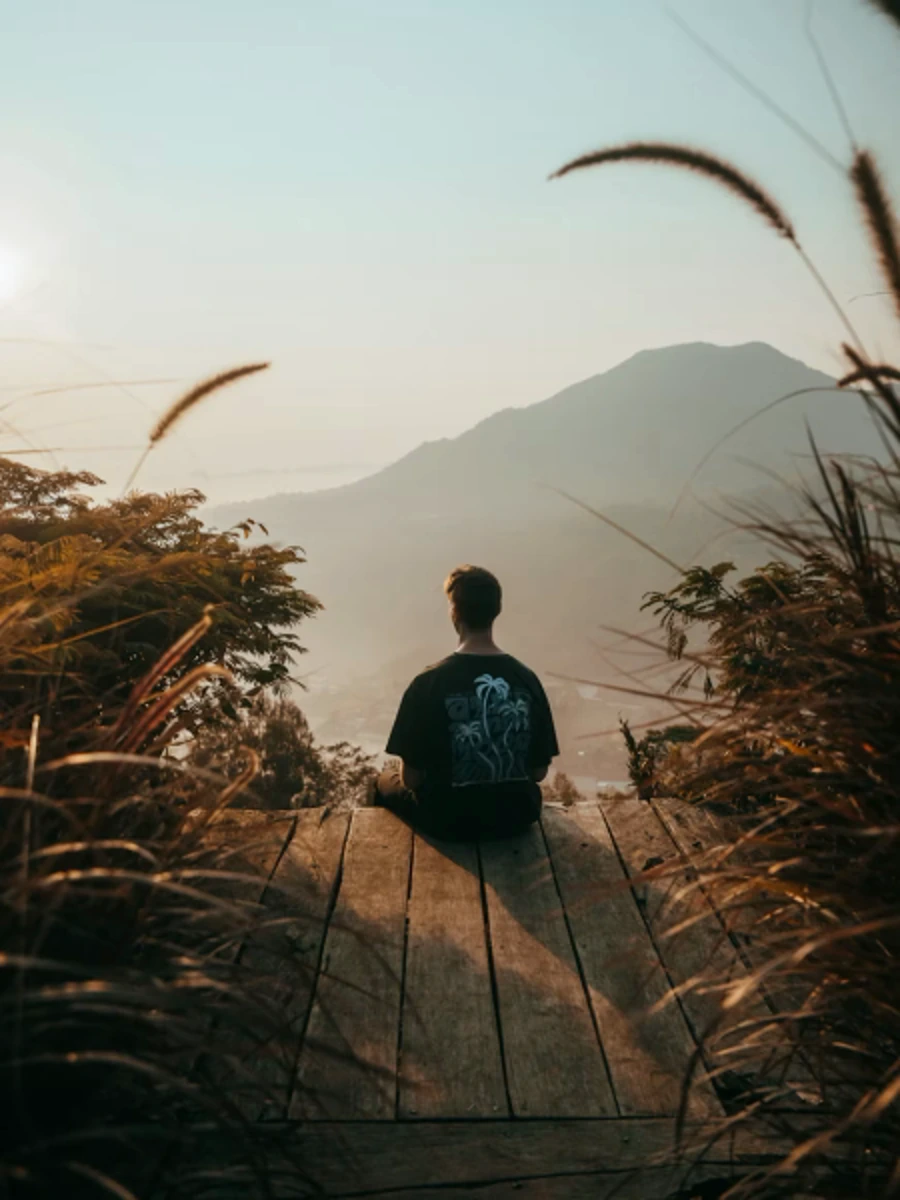
And on video: a frame of an interview at 270 pixels, upscaled to 540.


How to upscale a video
- Open cuecaps.com/studio in Chrome or Edge on a computer and drop in your video.
- Find the words and pick a caption style, or skip captions and just export the video.
- Click Export, choose Video (MP4) and a resolution above your video's own, like 1080p for a 540p clip.
- Turn on Enhance with AI. Preview shows the frame on screen with and without it.
- Click Export. The first time, the models download once (51 MB) and stay in your browser.
What it does
- Each frame is upscaled 2x by Steppe-FLUX.2 (20M, one step) and TAEF2, then the captions are drawn sharp on top.
- Your cuts, sound, framing and caption timing stay exactly as they are in the normal export.
- Asking for more than 2x upscales 2x with AI and scales the rest of the way, so a 360p clip at 1080p still gets the sharper picture.
- Videos up to 1080p can be enhanced, so Pro can take a 1080p clip to 4K.
What it needs
- Creator or Pro. Free accounts see it in the export dialog with a Creator tag.
- Chrome or Edge on a computer with a graphics card: it runs through WebGPU. On a computer without one, the normal export is one click away.
- Time: on a recent gaming graphics card it does about 7 frames a second from 360p to 720p, and about 3 a second from 540p to 1080p, so a 30-second 1080p Short takes around 5 minutes.
Transparent overlays and subtitle files don't use it: they carry the captions alone.
Questions
Is the AI upscaler free?
Enhance comes with Creator and Pro. Every plan can export the same video without it, and Free exports up to 1080p.
Does my video get uploaded?
No. The models download once from Hugging Face and run on your graphics card in the browser. Your video stays on your computer.
How much sharper does it get?
It adds real detail at twice the size: edges, hair, grass and text on signs come out crisper than ordinary scaling. It can't bring back a face that's a few pixels wide.
Can I cancel an enhanced export?
Yes. Cancel stops it, and Export without Enhance in the same window switches to the normal export straight away.
Which models does it use?
Steppe-FLUX.2 20M one-step by TensorForger and TAEF2 by Ollin Boer Bohan, both MIT-licensed, loaded unchanged at fixed versions and checked before use.
Try it on your video
You can also drop a file anywhere on this page. Or tryTry the demo clip